
Accounts
Treasury Accounts are how a user interacts with the Treasury platform.
Users are only allowed one account per person. This is enforced through email, GitHub, and payment method verification.
Account settings
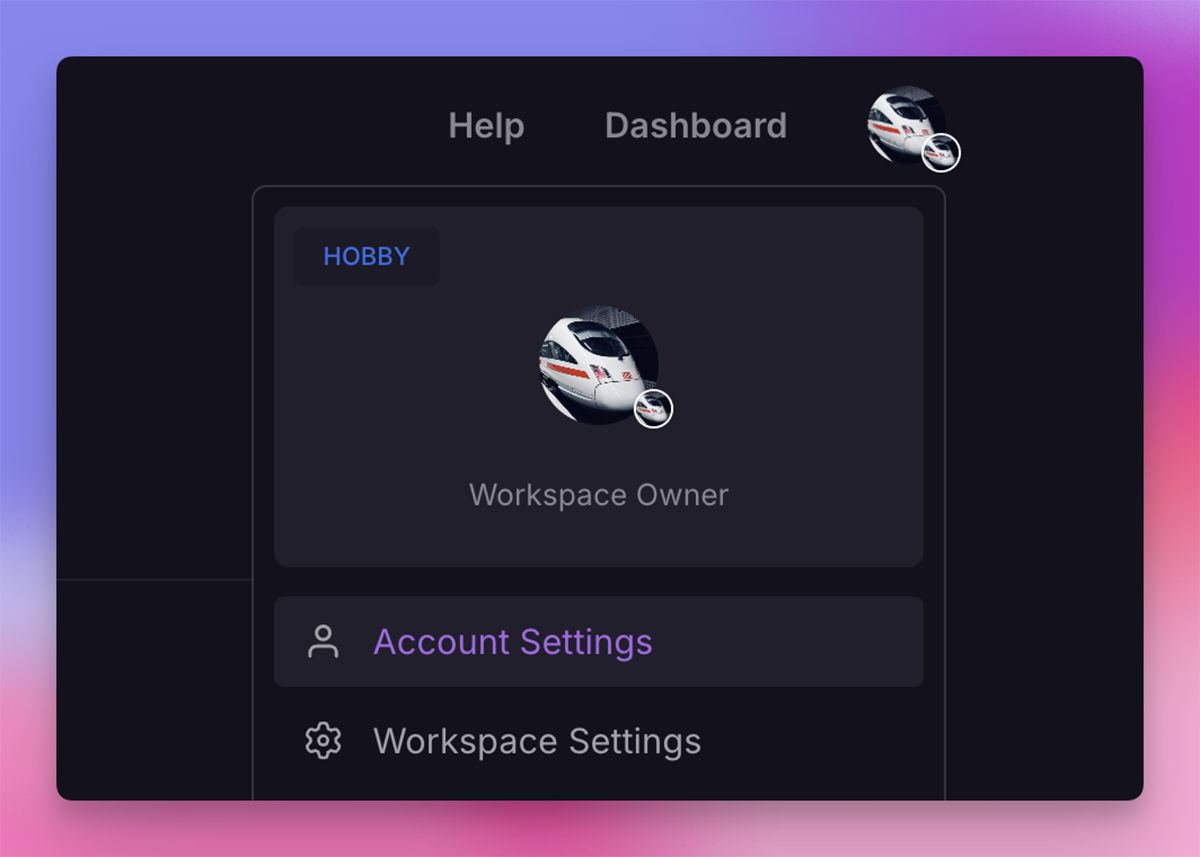
The account settings page is accessible by clicking the profile photo in the top right and selecting Account Settings.
Account information
Accounts can change their display name, profile photo, and account email under Account Settings.
Deleting an account
Selecting "Delete Account" at the bottom of the Account Settings page will delete an account. All data related to the account will be deleted.
After a successful confirmation, Treasury deletes all account information, project data, and removes the account from all email lists.
We aim to be compliant with EU GDPR’s data removal provisions.
Account security
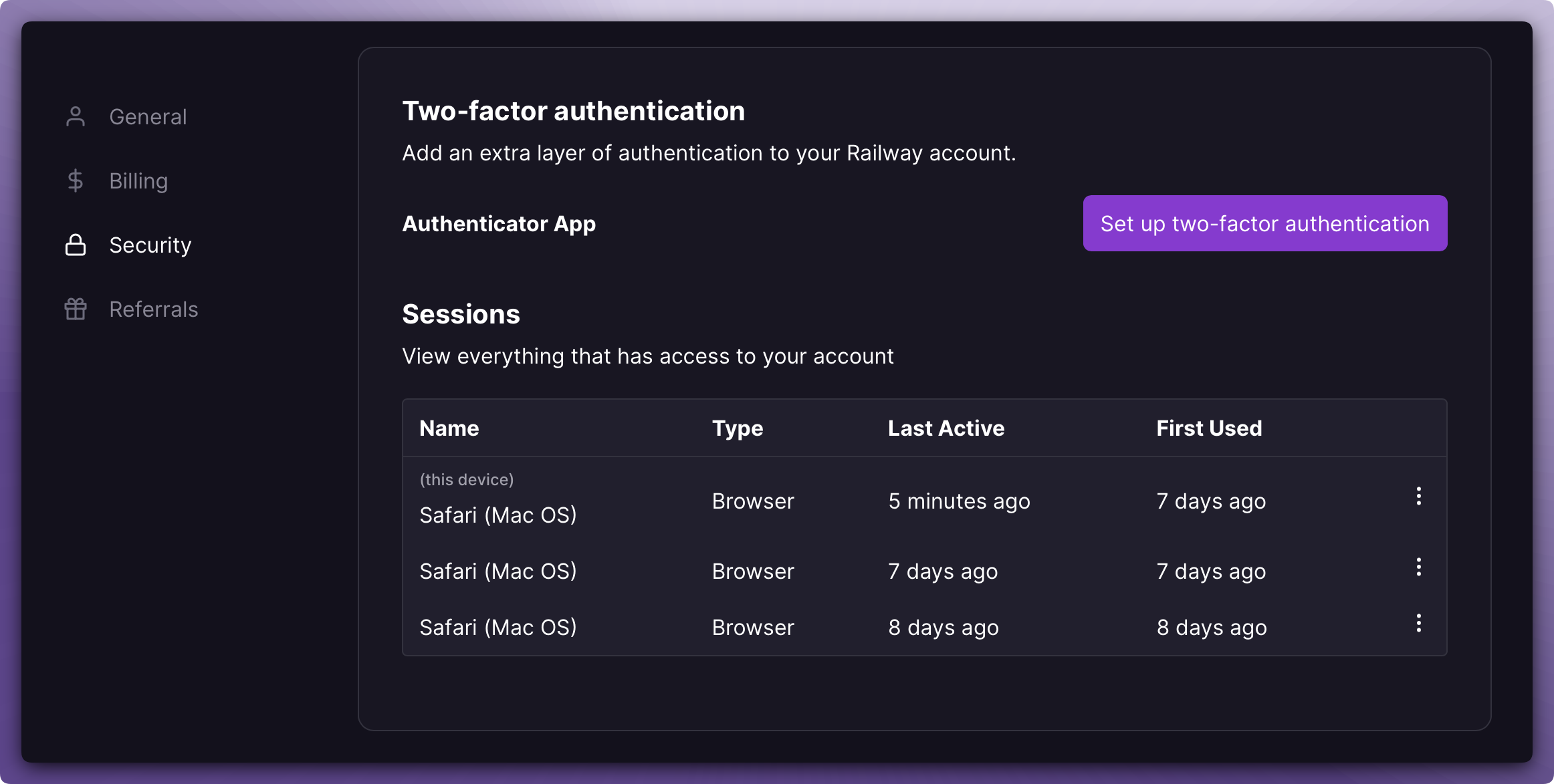
Treasury is committed to you and your project's security. We provide a variety of methods to help keep users' peace of mind.
Two-factor authentication
Two-factor authentication can be enabled under the Account Security page. Most TOTP applications are supported.
After scanning the provided QR code and entering the code for the initial pairing of the application, 2FA will require additional verification for login and destructive actions.
Account sessions
Users can view all active browser and CLI sessions on the account security page. Revoking a session will immediately log that device out.
Referrals
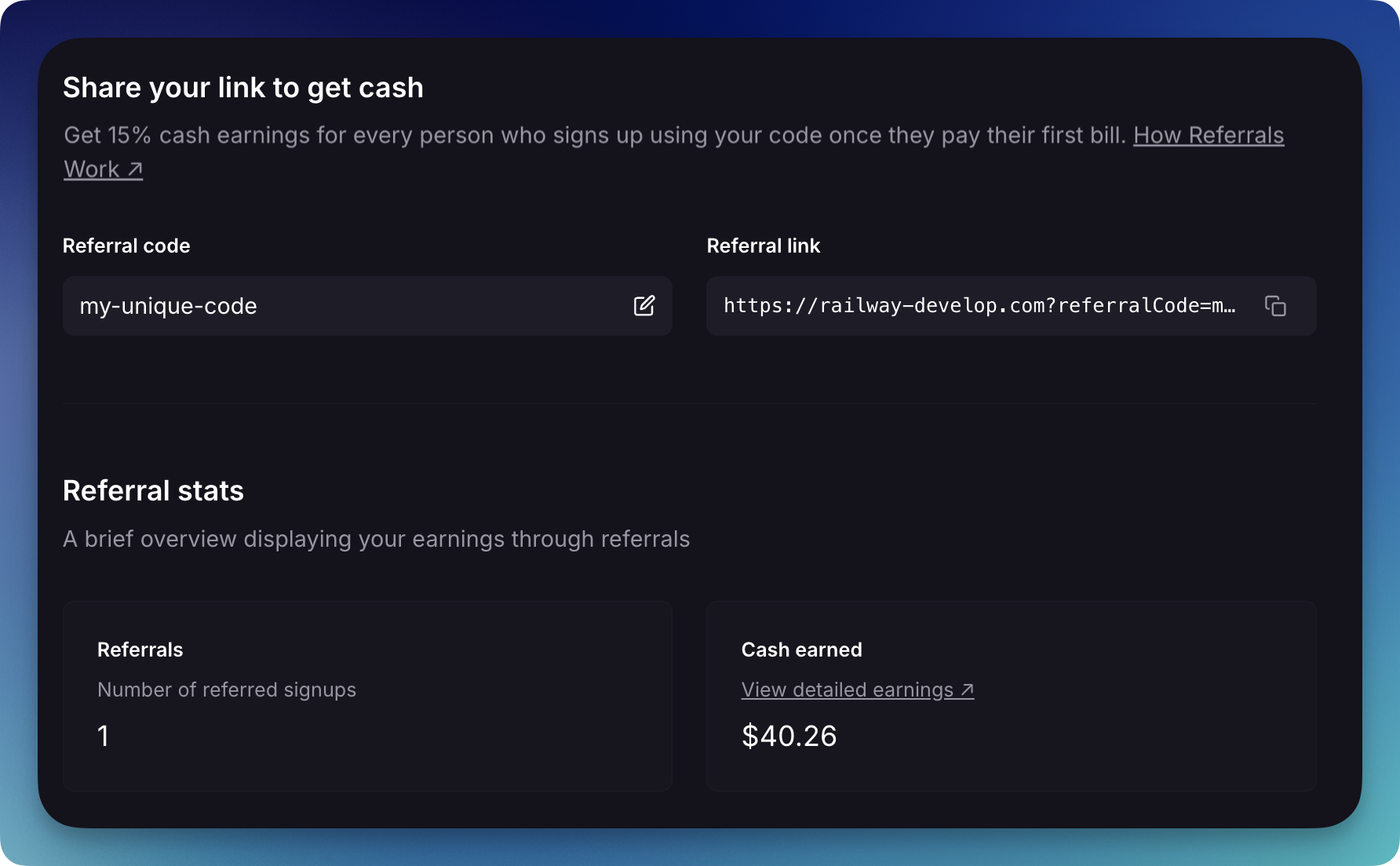
Every account has an editable referral link. Users can copy and share their personal referral link to earn cash or credits.
Any user who is referred gets $20 in Treasury credits, equivalent to a free month on the Pro tier.
Upon every invoice a referral pays, the user who referred them receives 15% commission on that revenue.
Users can view their referral invite status on the referrals page, and their total earnings on the earnings page.
Billing
Accounts are billed monthly. Resources used by deleted projects up until the time of deletion are still counted towards the total bill.
Treasury may collect applicable sales tax and VAT on your account based on your billing location and local tax requirements, where and when applicable. To ensure accurate tax assessment, Workspace Admins must verify that their billing information, including Billing Address, Organization Name, and Tax ID, is accurate. Organization Name and Tax ID are not required when using Treasury for personal use.
Users can manage their billing information as well as view historical payments on the billing page.
Link discord account
Within Account settings, link a Discord account with a Treasury account to gain access to additional features on the Treasury Discord server.
If the Discord user has not joined the Treasury Discord server, linking the account will automatically invite the user to the server.
Discord support
Discord users can access the Treasury Discord server to get help from the Treasury team and other users.
Priority boarding enrollment
Treasury does not currently publish a public beta toggle from these docs. If you need access to an early feature, ask in the Treasury Discord.