
Controlling GitHub Autodeploys
Services linked to a GitHub repository automatically deploy when new commits are pushed to the connected branch.
Configure the GitHub branch for deployment triggers
To update the branch that triggers automatic deployments, go to your Service Settings and choose the appropriate trigger branch.
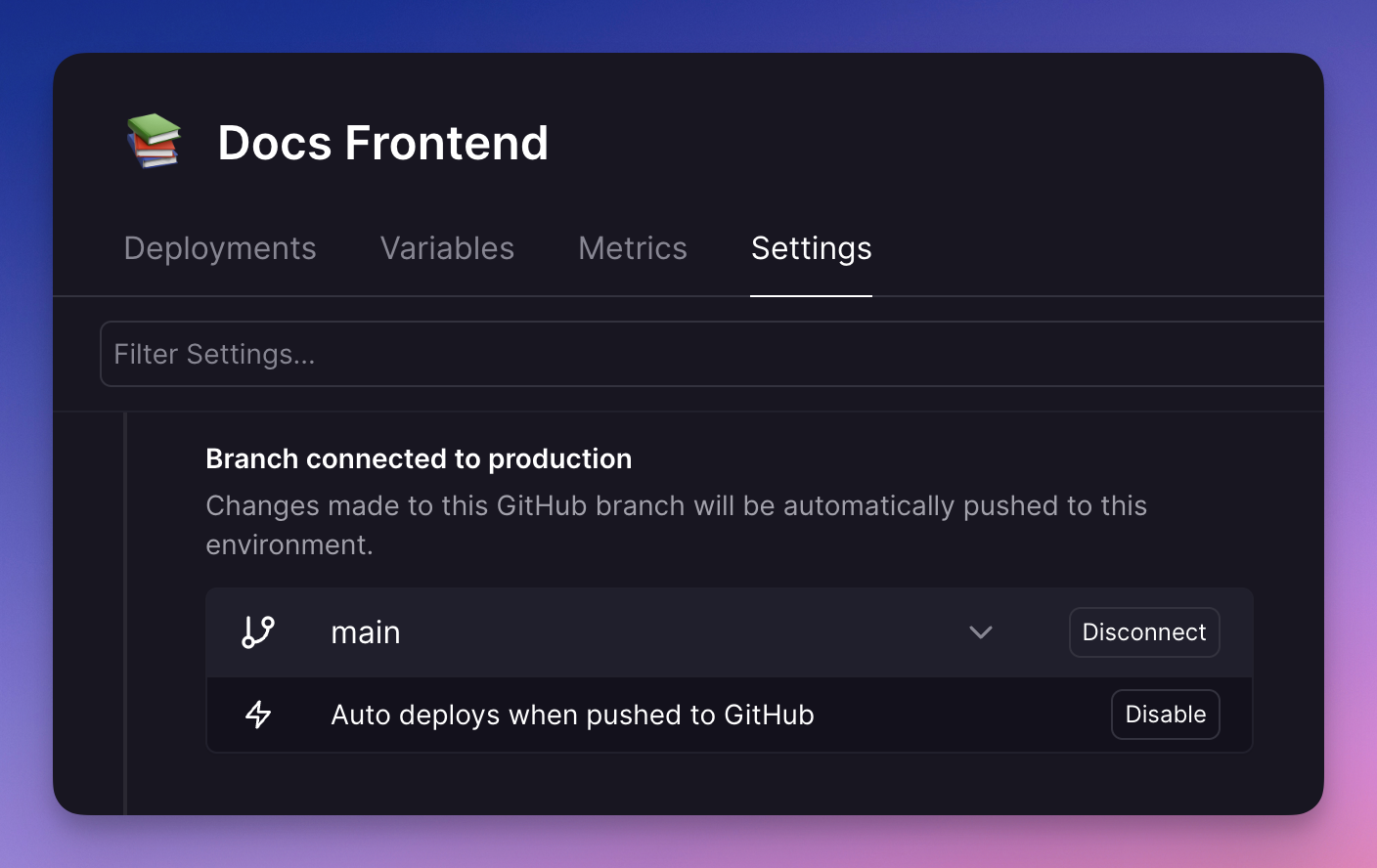
Disable automatic deployments
Click Disable to stop deploying automatically on new commits.
To manually trigger a deployment from the latest commit, open the Command Palette (CMD + K) and select Deploy Latest Commit. This deploys the latest commit from the currently connected GitHub branch.
Enable automatic deployments
Autodeploy might be disabled when the project was missing required GitHub permissions, or if a project member disabled it previously.
To re-enable autodeploy, click Enable.
Requirements for autodeploy
Autodeploy works only when at least one project member has a connected GitHub account with contributor access to the repository.
Public repositories where no project member has contributor access cannot use autodeploy.
If you cannot enable autodeploy, see Troubleshooting.
Wait for CI
Please make sure you have accepted the updated GitHub permissions required for this feature to work.
To ensure Treasury waits for your GitHub Actions to run successfully before triggering a new deployment, you should enable Wait for CI.
Requirements
-
You must have a GitHub workflow defined in your repository.
-
The GitHub workflow must contain a directive to run on push:
Enabling wait for CI
If your workflow satisfies the requirements above, you will see the Wait for CI flag in service settings.
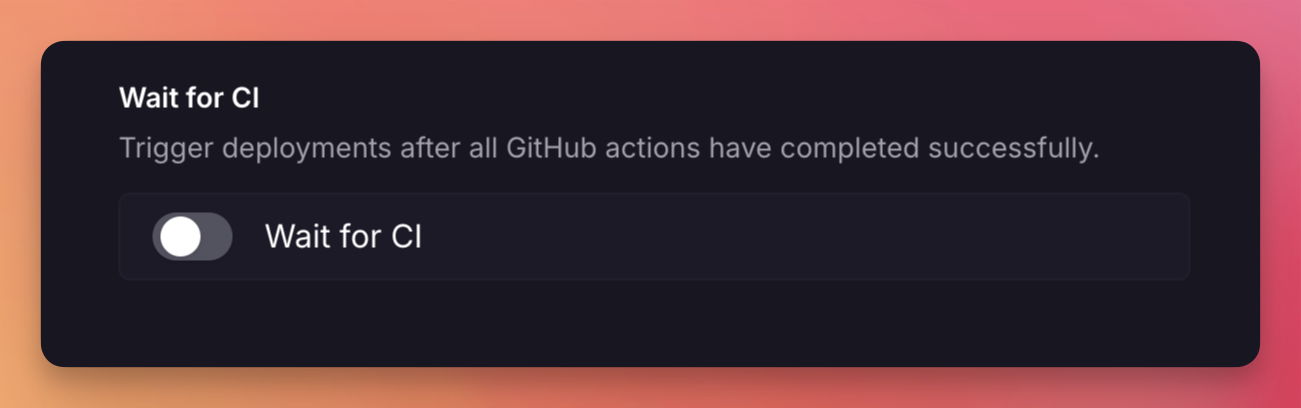
Toggle this on to ensure Treasury waits for your GitHub Actions to run successfully before triggering a new deployment.
When enabled, deployments will be moved to a WAITING state while your workflows are running.
If any workflow fails, the deployments will be SKIPPED.
When all workflows are successful, deployments will proceed as usual.
Troubleshooting
Can't enable autodeploy
If autodeploy is disabled and cannot be re-enabled, check the following:
- At least one project member has a connected GitHub account with contributor access to the repository.
- The Treasury GitHub App has access to the repository in GitHub installation settings.
- The Treasury GitHub App has no pending permission updates in GitHub.
- After resolving access or permissions issues, wait a few minutes for Treasury caches to refresh.
- Disconnect and reconnect the repository in your service settings.
- In the project canvas, click Add -> GitHub Repository -> Refresh to force a cache refresh.
- If the issue persists, uninstall and reinstall the Treasury GitHub App.
Autodeploy enabled, but no deployment triggered
If autodeploy is enabled but the service is not deploying, check the following:
- Check deployment history for skipped deployments. Click Show Skipped if needed.
- If deployments are skipped due to watch paths, update watch paths to include the changed files.
- If watch paths are configured, empty commits do not trigger a redeploy. Open the Command Palette (
CMD + K) and use Deploy Latest Commit instead. - Check the Treasury status page and GitHub status page for known issues with webhook delivery.
Before contacting support
If these checks pass and the issue continues, contact support and include:
- The linked project, service and environment.
- The name of the GitHub repository where deployments are not triggering.
- The Git branch name.
- The Git commit SHA(s) that were not deployed and the UTC timestamp(s) for those commits.